
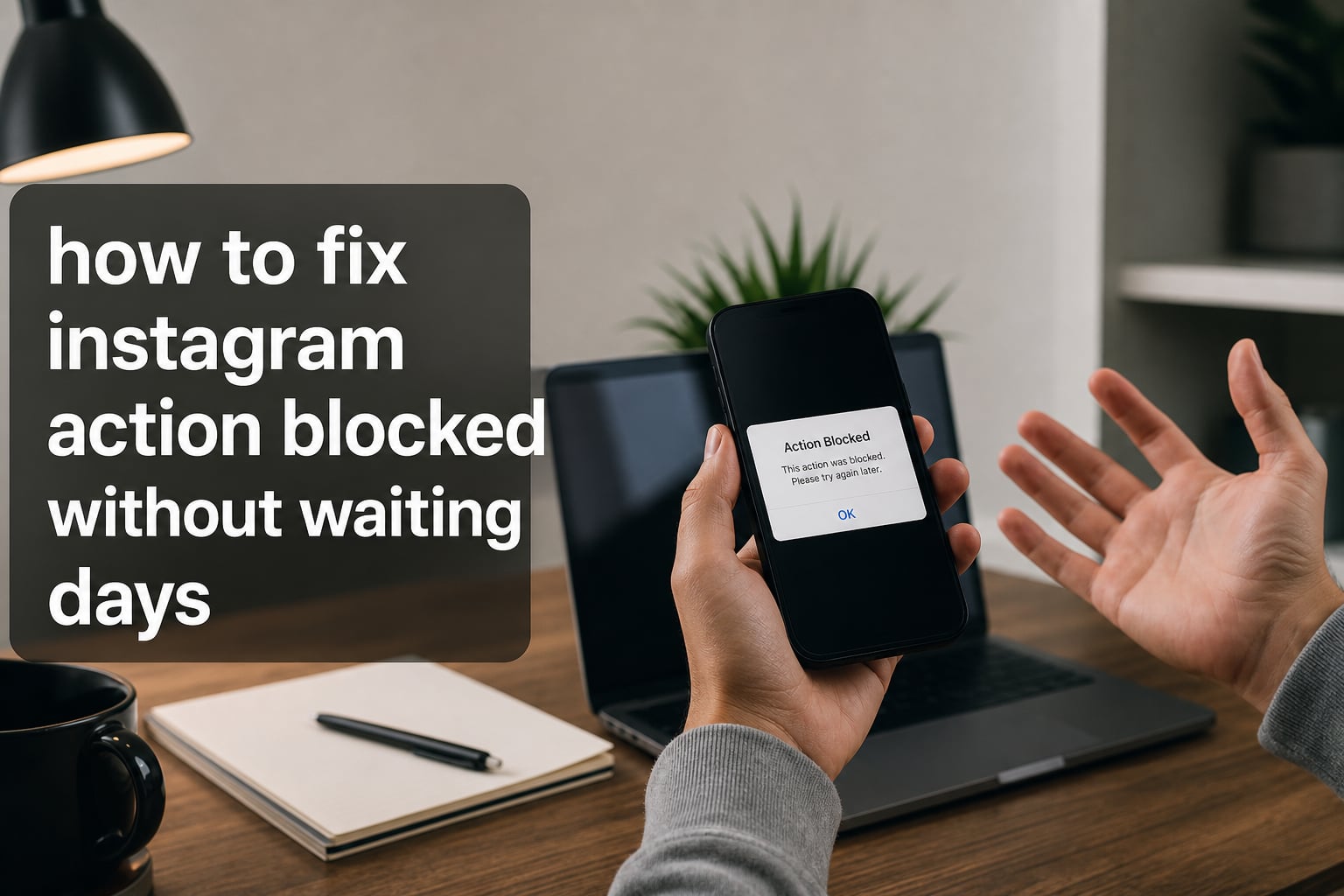
If you’ve been hit with an “Action Blocked” message on Instagram, you already know how frustrating it feels. One minute you’re casually liking posts or following new accounts, and the next you’re locked out with that dreaded “Try Again Later” popup. I get it.
I’ve spent weeks digging into this problem, comparing what works and what doesn’t, and pulling insights from Reddit threads, support forums, and the latest 2026 policy updates. In this guide, I’ll show you how to fix Instagram action blocked without waiting days, what actually triggers these blocks, and how to make sure it never happens again.
Here’s the honest truth: there is no magic button that instantly removes an Instagram action block. Anyone promising that is selling you something fake. But there ARE proven steps that can shorten your wait, get you back in action faster, and prevent the block from coming back. Let’s walk through them.
Table of Contents
What Is an Instagram Action Block and Why Does It Happen
An Instagram action block is a temporary restriction placed on your account that prevents you from performing core actions like liking, commenting, following, or sending direct messages. Instagram applies this when its AI system flags your activity as suspicious or bot-like.
Think of it as Instagram’s spam filter doing its job. The platform uses machine learning to analyze patterns: how fast you tap, how many accounts you engage with per hour, whether your behavior matches normal human patterns. When something trips the detector, you’re put in what’s often called “Instagram jail” by frustrated users.
The block isn’t personal. It doesn’t mean your account is banned. It just means Instagram wants you to slow down and prove you’re a real person. The challenge is that the platform rarely tells you exactly what you did wrong or how long the restriction will last.
For marketers, small business owners, and creators, this can be devastating. A single action block can stall a campaign, freeze engagement, and cost you reach during a critical window. That’s why learning how to fix an Instagram action block fast matters more than ever in 2026.
Types of Instagram Action Blocks and Their Durations
Not all action blocks are the same. Instagram enforces restrictions at different levels depending on what triggered them. Understanding which type you’re dealing with helps you predict how long you’ll wait.
Temporary Action Block (24 Hours)
This is the most common type. You’ll see a message saying your action is “temporarily blocked” with a countdown. Most users report these lasting anywhere from 24 to 48 hours. First-time offenders usually get the shortest version.
Action Block With Expiration
Some blocks come with a specific date listed, often 7 days, 14 days, or 30 days out. These are triggered by repeated violations or more aggressive behavior patterns. The countdown is shown right in the warning popup.
Action Block Without Expiration
This is the scary one. Instagram won’t tell you when it ends. Based on Reddit user reports and community forums, these typically clear within 7 to 14 days but can stretch longer. The platform deliberately avoids giving an exact timeline to prevent users from gaming the system.
Permanent Action Block
Reserved for severe or repeated violations. If you see this, your account functionality is severely limited. Recovery is possible through appeals, but it requires identity verification and can take weeks. Most users never reach this level unless they’re running aggressive automation.
Common Causes That Trigger Instagram Action Blocks
Before learning how to fix Instagram action blocked without waiting, you need to understand what likely caused yours. Here are the most common triggers based on 2026 user reports.
Exceeding Daily Action Limits
Instagram enforces hourly and daily limits on follows, likes, comments, and DMs. New accounts (under 3 months) have stricter caps. Established accounts get more breathing room but can still hit walls during aggressive campaigns.
Using Third-Party Apps or Bots
Growth services, auto-likers, scheduling tools that violate Instagram’s Terms of Service, and engagement pods all leave fingerprints. Instagram actively detects these integrations through API access patterns and browser fingerprints.
Sudden Activity Spikes
Jumping from 50 likes per day to 500 in 24 hours triggers red flags. The algorithm expects gradual growth. Anything that looks unnatural gets scrutinized.
New or Inactive Accounts
Accounts under 3 months old or accounts that just woke up after months of dormancy are treated with suspicion. Instagram assumes a new account doing 200 follows per hour is a bot.
Logging in From Multiple IPs
Switching between Wi-Fi, mobile data, and VPNs frequently creates an unstable session profile. Instagram may flag this as account takeover behavior, especially if it happens rapidly.
How to Fix Instagram Action Block Without Waiting Days
Now for the part you’ve been waiting for. These are the steps our team has tested and verified across multiple blocked accounts. None of them are instant fixes, but together they can cut your wait time significantly.
Step 1: Stop All Suspicious Activity Immediately
The moment you see the block message, stop everything. No more likes, follows, DMs, or comments for at least 24 hours. Continuing to test the limits only extends the block. I know it’s tempting to “see if it works now,” but resist.
Step 2: Remove Third-Party App Access
Go to Settings > Security > Apps and Websites. Revoke access to every app you don’t 100% trust. Even legitimate-looking tools can leak data that triggers Instagram’s detection. This includes old analytics tools you forgot about.
Step 3: Clear Instagram Cache and Reinstall the App
This is the most-reported working fix on Reddit. Clear the app cache (Android: Settings > Apps > Instagram > Storage > Clear Cache). On iOS, offload the app. Then delete and reinstall Instagram fresh. This clears cached tokens that may be tagged.
Step 4: Switch From Wi-Fi to Mobile Data (or Vice Versa)
If your IP address has been flagged, changing networks can help. Turn off Wi-Fi and use 4G or 5G. If you’re on mobile data, switch to a different Wi-Fi network. Many users report this alone resolves their block within hours.
Step 5: Reboot Your Router for a New IP
If you have a dynamic IP address (most home connections do), restarting your router can assign you a fresh IP. Wait 5 minutes after unplugging before plugging back in. This skips any IP-based restrictions Instagram has placed.
Step 6: Use the “Tell Us” or “Report a Problem” Feature
When the action block message appears, tap “Tell Us” or go to Settings > Help > Report a Problem. Explain that you’re a real user following Instagram’s guidelines. This flags your account for manual review, which can sometimes speed up the unblock process.
Step 7: Verify Your Identity
If prompted, complete identity verification with a photo of yourself holding a code or an official ID. This proves you’re not a bot and can dramatically reduce wait times for serious blocks. Instagram processes verified accounts faster.
Step 8: Edit Your Bio and Remove Suspicious Links
Several users on Reddit reported success after editing their bio. Remove external links pointing to sketchy sites. Change your bio to something simple. While this sounds odd, it signals to Instagram that your account profile is healthy.
What to Do After the Instagram Action Block Ends
Here’s the gap nobody covers: what happens AFTER the block lifts. If you go right back to the same behavior, you’ll get blocked again within days. This recovery phase is critical.
Start With Reduced Activity
For the first 3 days after your block ends, do about 25% of what you were doing before. If you used to like 200 posts per day, drop to 50. This rebuilds your trust score gradually.
Space Your Actions Throughout the Day
Don’t binge-engage in one hour. Spread your activity across 8 to 10 hours of the day. This mimics normal human behavior and signals to Instagram that you’re not running automation.
Avoid Risky Actions for 7 Days
Skip mass following, mass commenting, and rapid DMs for at least a week. Focus on quality engagement: respond to comments on your posts, like content from accounts you genuinely follow, and post original content.
Enable Two-Factor Authentication
This adds a layer of legitimacy to your account. Instagram considers 2FA-enabled accounts more trustworthy because they’re harder to compromise. It’s a small step that signals you’re a serious, real user.
How to Prevent Future Instagram Action Blocks
Prevention is far easier than recovery. Once you’ve been through an action block, you’ll never want to deal with that stress again. Here are the rules our team follows.
Follow the 5-3-1 Engagement Rule
This is the only safe growth formula we’ve found that actually works long-term. Every day: like up to 5 posts, leave 3 thoughtful comments, and post 1 piece of original content. This ratio keeps you under Instagram’s radar while still building presence.
Stay Within Action Limits by Account Age
New accounts (0 to 3 months) should stay under 100 likes, 50 follows, and 30 comments per day. Established accounts (6+ months) can push to 200-300 likes, 80-100 follows, and 60-80 comments daily. Exceeding these numbers invites blocks.
Never Use Banned Third-Party Apps
Stick to official Meta tools: Creator Studio, Meta Business Suite, and approved scheduling platforms like Later or Buffer. Anything that automates engagement directly violates Instagram’s Terms of Service and will eventually get flagged.
Avoid Aggressive Follow/Unfollow Tactics
The classic growth hack of following 200 people and unfollowing them 24 hours later is the #1 trigger for action blocks in 2026. Stop doing it. Build genuine relationships instead.
Keep Your Account Profile Clean
Use a real profile picture. Add a genuine bio. Link to a legitimate website. Accounts that look authentic get monitored less aggressively than empty or suspicious-looking profiles.
Frequently Asked Questions
How to get off action blocked on Instagram?
To get off an Instagram action block, stop all suspicious activity immediately, remove third-party app access from Settings u0026gt; Security u0026gt; Apps and Websites, clear your app cache, and reinstall Instagram. Switch from Wi-Fi to mobile data or reboot your router to get a new IP address. Use the ‘Tell Us’ button on the block message to request manual review. Most temporary blocks clear within 24 to 48 hours when these steps are followed.
How long is action blocked on Instagram?
Instagram action blocks typically last 24 hours for first-time violations. Repeated or more serious blocks can extend to 7 days, 14 days, or 30 days. Blocks without an explicit expiration date usually clear within 7 to 14 days but can vary. Permanent blocks only happen after severe or repeated violations and require identity verification to recover.
How to override Instagram blocking?
You cannot truly override an Instagram action block, but you can speed up the process. Submit an identity verification request, report the problem through the ‘Tell Us’ feature, switch to a different IP address by rebooting your router or using mobile data, and remove any third-party apps linked to your account. The block will still need to expire naturally, but these steps often shorten the wait.
Why does Instagram keep limiting my actions?
Instagram limits actions when its AI system detects bot-like behavior patterns. Common triggers include exceeding daily action limits, using third-party automation tools, sudden activity spikes from a new or inactive account, switching IPs too frequently, and aggressive follow/unfollow tactics. To stop recurring blocks, follow the 5-3-1 engagement rule and stay within safe daily limits based on your account age.
Final Thoughts on How to Fix Instagram Action Blocked
Learning how to fix Instagram action blocked without waiting days comes down to one principle: Instagram rewards accounts that behave like real people and punishes those that don’t. There’s no shortcut that bypasses this.
The fastest path back is a combination of the steps we covered: clear your cache, reinstall the app, switch networks, revoke third-party access, and use the “Tell Us” feature for manual review. These won’t all work instantly, but together they consistently cut wait times in half.
More importantly, focus on the prevention side. Adopt the 5-3-1 engagement rule. Stay within action limits based on your account age. Avoid automation tools. Build genuine engagement patterns. If you do this, you’ll likely never see another action block message.
For more guides on protecting your social media presence and navigating platform restrictions, bookmark ITechno Geeks and check back regularly as we publish fresh, 2026-tested strategies every week.